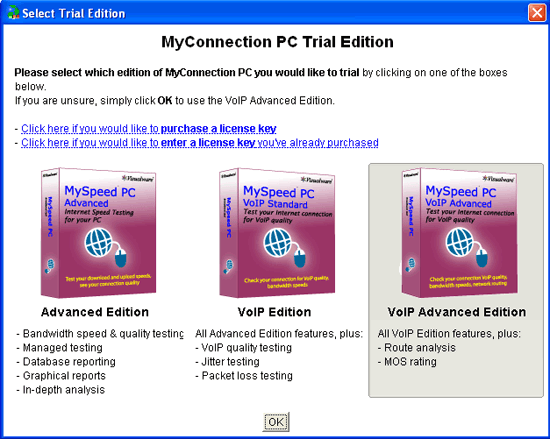
Simply click on the trial version you want and then click the ok button. The next screen is the welcome screen. This includes various help topics that tell you more about how to use MyConnection PC.
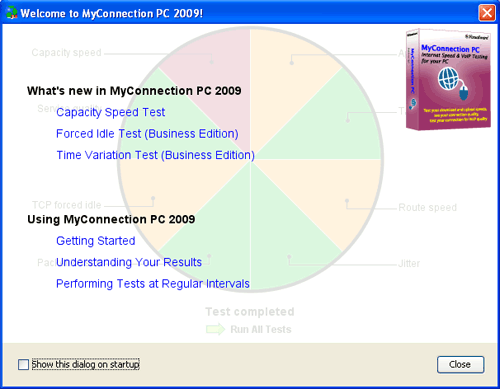
Welcome Screen
Once the dialog box above has been closed you will be presented with the main MyConnection PC GUI. As shown below. |